Coming soon to the App Store · iOS

Finance that understands your voice

Say “I bought strawberries for eight dollars.” Voice Finance recognizes the amount, currency, and category. It then turns your transactions into a clear picture of your finances. No account: your data stays with you.

Coming soon to the App Store Features

Russian and English · Syncs via your iCloud · No third-party analytics or tracking

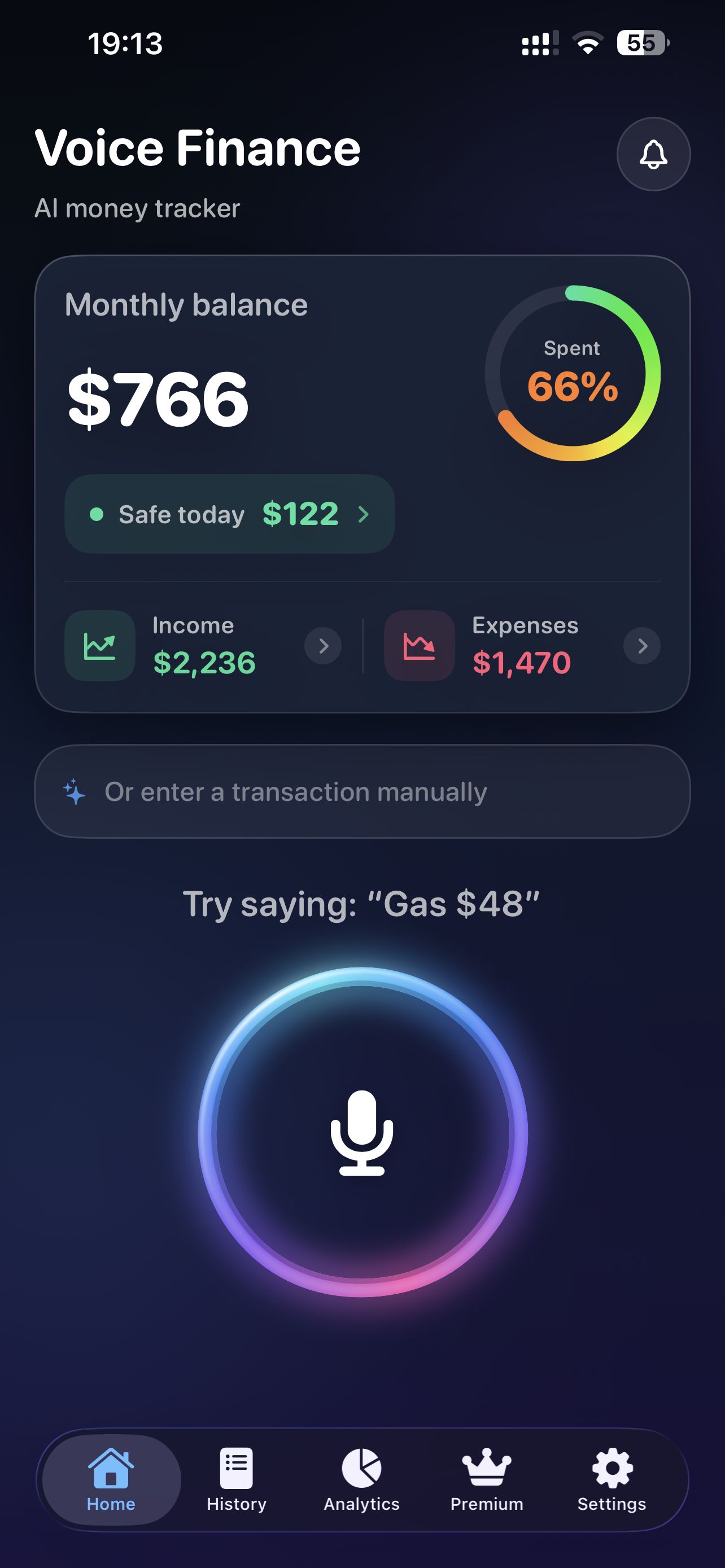
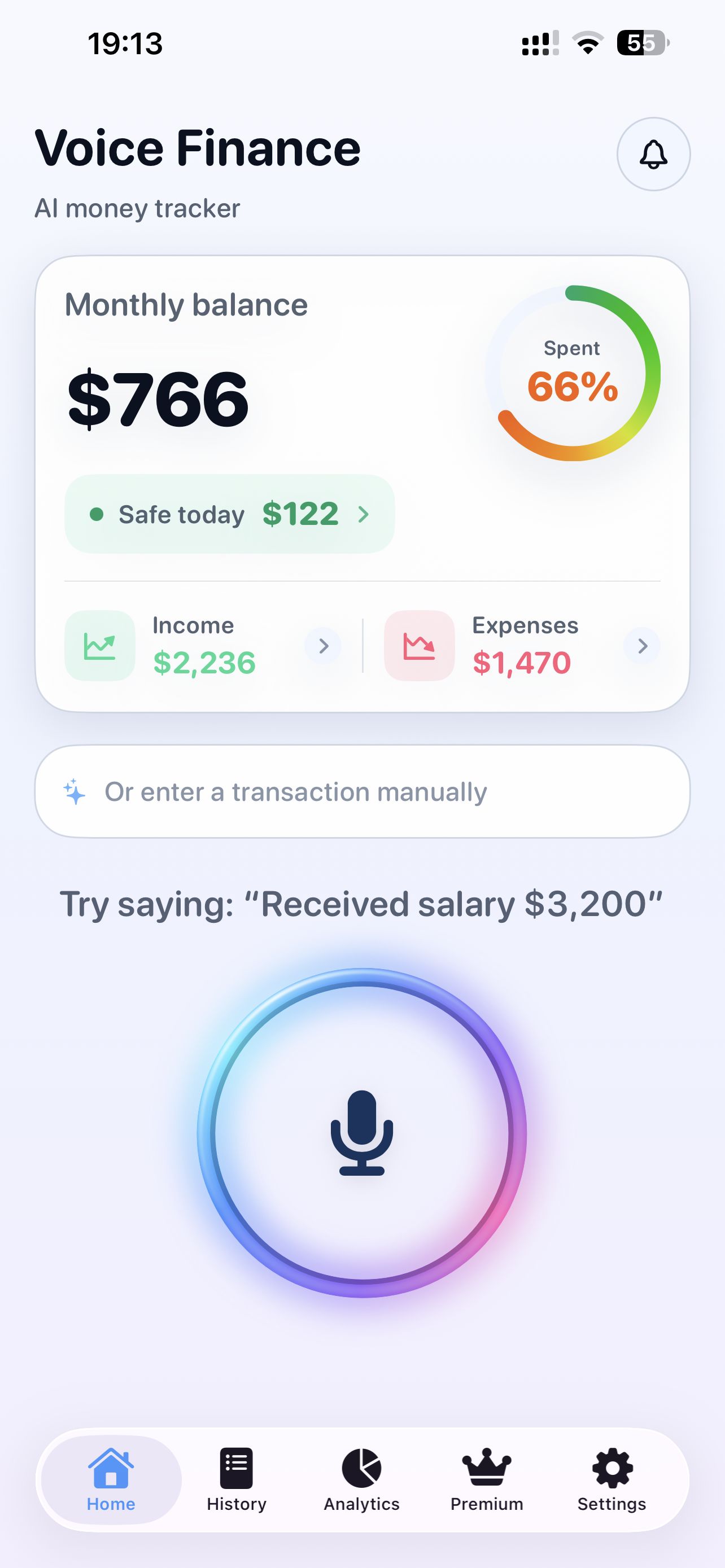
Voice Finance home screen: monthly balance, daily allowance and the voice button — dark theme Voice Finance home screen: monthly balance, daily allowance and the voice button — light theme
Voice input

One phrase — and it's recorded

You speak — Voice Finance recognizes the amount, currency, category and date. The transaction instantly appears in your history and analytics.

I bought strawberries for eight dollars
Groceries
Expense · Assigned to the “Groceries” category · Today
−$8
1 Say the phrase 2 Voice Finance recognizes it 3 It lands in your history
Features

Everything for everyday expense tracking

Voice is the main scenario. Everything else supports it: a clear balance, transaction history, analytics and your personal budget.

Add transactions by voice

Income and expenses in natural speech, in English or Russian. Recognition is done by Apple's system, parsing happens on-device. Made a mistake — edit it manually.

“Spent 20 dollars on coffee” “Got my salary, 3,000 dollars” «Потратил 1 200 ₽ на продукты»

Daily spending control

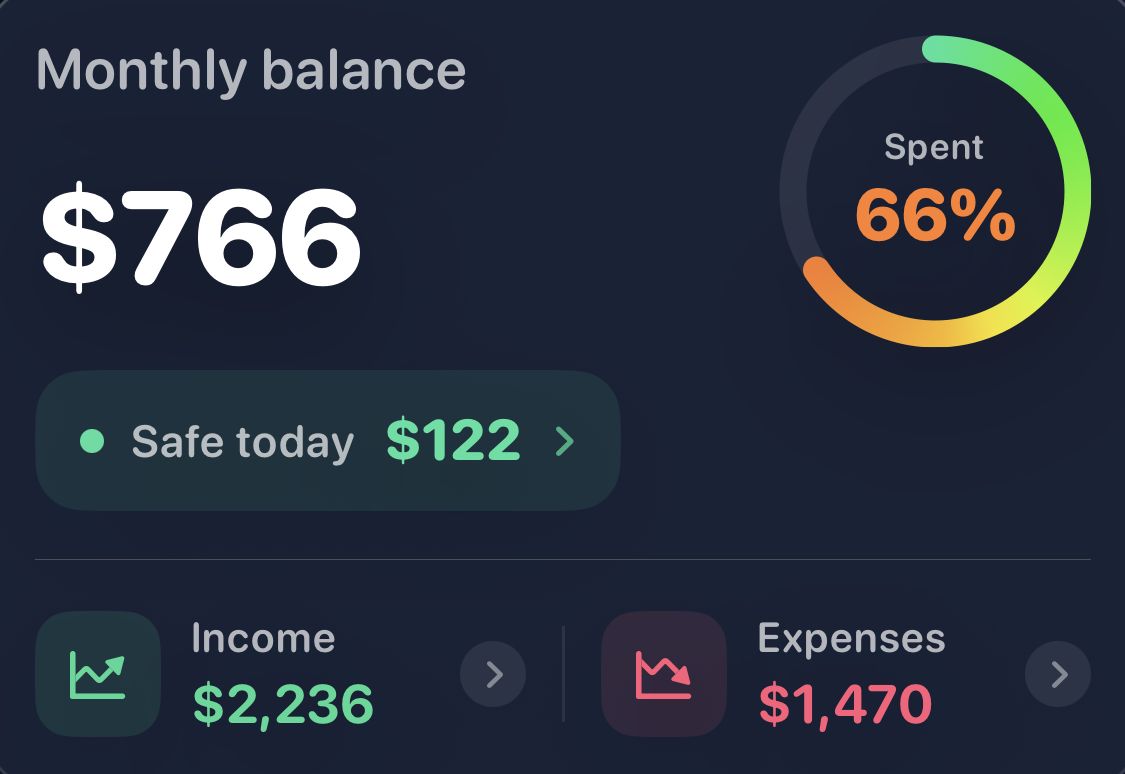
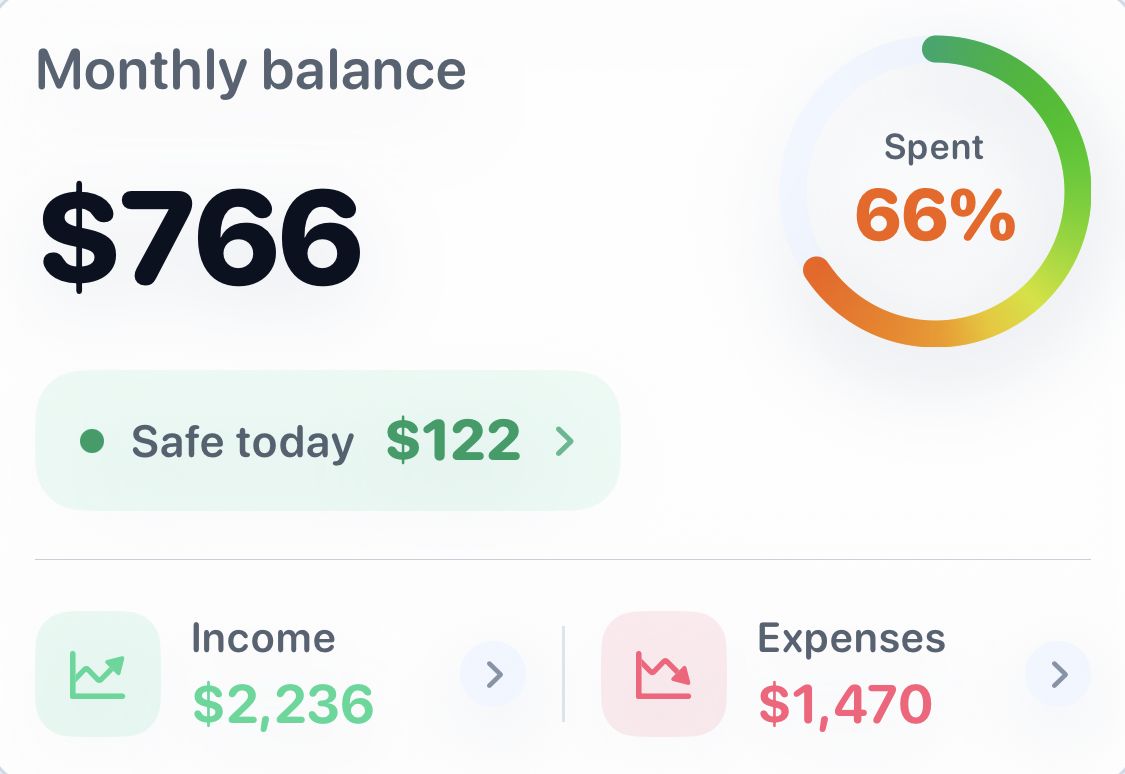
Monthly balance, income and expenses, and the “Available today” guide — on one screen.

Monthly balance
$1,240
Available today · $48
Income
+$5,570
Expenses
−$4,330

History

Every transaction by day, with search and filters.

Coffee−$5
TV−$400
Salary+$3,000

Analytics

Trends and spending categories for any period.

Housing$1,600
Electronics$810
Groceries$650

Personal budget & categories

Category limits and rules that learn from you.

Spent this month65%
Groceries Cafés Housing Clothes

Multiple currencies

Transactions in different currencies with live market rates. Only currency codes ever go online — never amounts.

$ £

iCloud sync

Data lives on your device and syncs through your personal iCloud. No Voice Finance account, no developer server.

Your iCloud · your data
Daily guide

“Available to spend today”

Available today
$48

Not just a number — a calm daily guide. It's tied to your balance and your chosen period, and changes along with them. No spreadsheets, no mental math.

A planning guide — not financial advice.
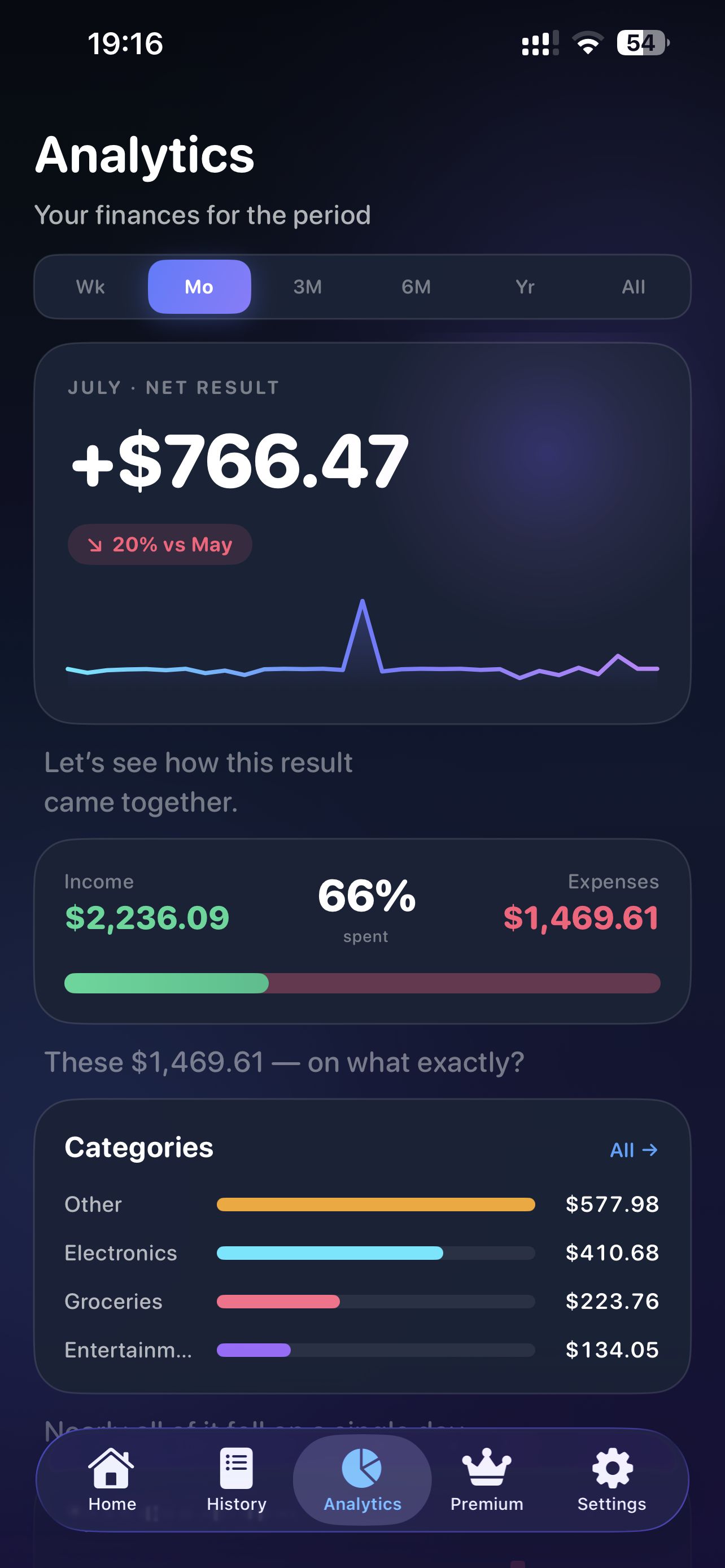
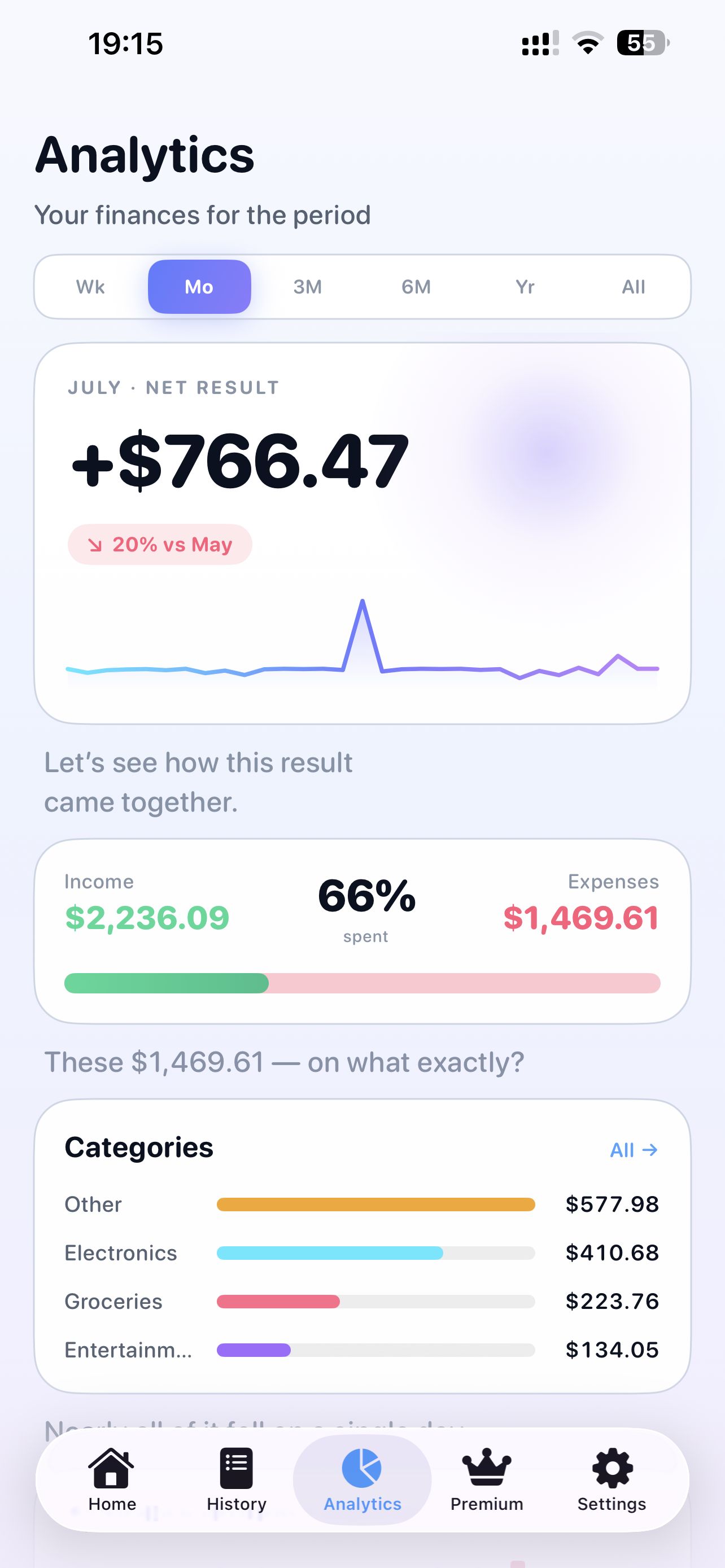
Voice Finance analytics screen: net result, income vs expenses, categories — dark theme Voice Finance analytics screen: net result, income vs expenses, categories — light theme
Analytics

A clear story, not a dashboard

Analytics walks you through it: how the month went, what shaped the result, and where exactly the money left.

1
Trend over the period
The month's net result and how it compares with the previous period.
2
Income and expenses side by side
How much came in, how much went out, and what share of income was spent.
3
Categories that answer “on what?”
Your main spending categories — with short, plain conclusions.
“65% went to spending” — one short takeaway instead of ten charts
Privacy

Your finances belong to you alone

Voice Finance is designed so your financial data never leaves your devices and your personal iCloud.

No account
The app never creates an account — no sign-up needed.
No Voice Finance server
Transactions are never sent to developer servers — there are none.
Local + your iCloud
Data is stored on-device and syncs through your personal iCloud (private CloudKit).
Parsing happens on-device
Amount, currency and category are detected locally; the original phrase is never stored.
Purchases handled by Apple
The subscription runs through StoreKit — the standard App Store flow.
No third-party analytics or tracking
No third-party analytics, ad SDKs or trackers in the app.
More about privacy
PREMIUM

Deeper understanding — with Premium

Extended capabilities for people who track every day — and a way to support Voice Finance.

Unlimited voice input
AI recognizes transactions automatically
AI understands complex voice phrases
AI spending analysis
Personal financial insights
Budget forecast to the end of the month

The subscription is purchased and managed through your Apple account. The current price and period are shown on the purchase screen before you confirm. Purchases can be restored with “Restore Purchases”.

Voice Finance app icon

Start talking to your finances

Voice Finance is coming to the App Store very soon.

Coming soon to the App Store Contact support